
Back-to-School Chromebook Gaps: Practical Solutions for K–12 IT Teams

You planned. You repaired devices all summer. You thought you had enough Chromebooks.
Then enrollment changed, a few more devices failed inspection, some never came back, and suddenly you're short.
The good news is that most of these shortages can be solved without replacing your entire fleet.
Why Even Well-Planned Districts End Up Short
Even with strong planning, device counts can shift right before school starts.
Common reasons include:
New student enrollment
Devices that were not returned at the end of the year
Chromebooks that failed final repair checks
Summer program devices that are still in use
Broken units that are not worth repairing
Lost chargers, missing accessories, or incomplete kits
Grade-level or classroom changes that affect deployment counts
The challenge is not always about needing hundreds of devices. Often, the problem is smaller and more urgent: a school needs 10, 25, or 50 more working Chromebooks before students walk in.
That is where a focused back-to-school device plan can help.
Confirm Your Real Device Count

Before placing any last-minute orders, take a fresh look at your actual device availability.
A simple check can help your team separate what is ready from what still needs attention.
Review:
Devices ready for deployment
Devices still waiting on repair
Devices missing chargers or accessories
Devices assigned to summer programs
Devices marked for buyback or recycling
Spare devices available for new enrollments
Loaner devices available for the first few weeks
This gives your team a clearer view of the real number: how many student-ready devices you can actually hand out today.
Decide Whether You Need Repairs or Replacements
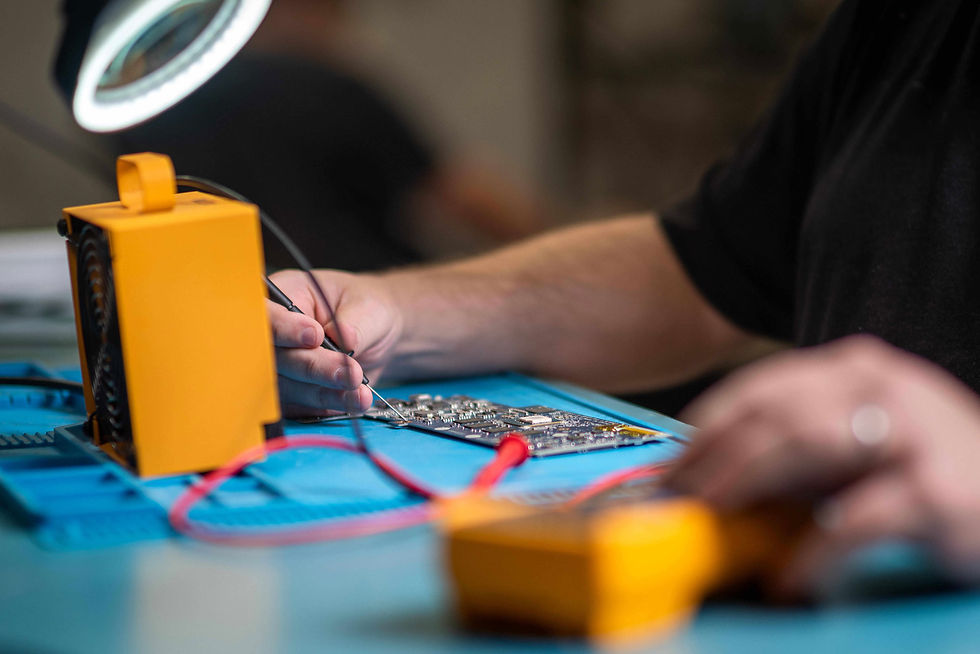
Sometimes a shortage isn't really a shortage.
If several Chromebooks are waiting on simple repairs, like screens, keyboards, or batteries, you may be able to return them to service faster than purchasing additional devices.
Ask:
Can these devices be repaired this week?
Are replacement parts readily available?
Are any devices beyond economical repair?
Which option gets working devices into students' hands faster?
Prioritize the Most Urgent Device Needs
Not every gap needs the same response.
Once you know where you are short, prioritize by impact. Start with the students, classrooms, or buildings that need devices right away.
A few questions can help:
Which students still need a device on day one?
Which schools are seeing the biggest enrollment changes?
Are any grades or programs short on take-home devices?
Are repair delays affecting deployment?
Do you have enough spares for the first month of school?
This helps your team avoid overbuying while still covering the most important needs first.
Consider Recertified Chromebooks for Smaller Gaps
If repairs won't close the gap quickly enough, adding a small number of recertified Chromebooks may be the fastest way to keep students on schedule. They can help schools fill smaller gaps without starting a full refresh or waiting through a long purchasing cycle.
They can be a good fit for:
New student additions
Loaner pools
Short-term replacements
Summer-damaged devices
Classrooms that need a few extra units
Backup devices during repair season
The goal is simple: get working devices into students’ hands without adding unnecessary complexity.
Don't Forget Chargers and Accessories

Sometimes the device is not the only issue.
A Chromebook may be ready, but the kit is not complete. Missing chargers, worn cases, or damaged accessories can slow down deployment just as much as missing devices.
It only takes a handful of missing chargers to delay an entire deployment cart or leave students waiting for a usable device.
As you review your back-to-school Chromebook gaps, check for:
AC adapters
Cases
Sleeves
Screen protectors
Labels or asset tags
Carts or storage needs
Spare accessories for loaner devices
Having these items ready helps avoid small issues turning into support tickets during the first few weeks of school.
Keep Some Devices in Reserve
Once students arrive, things change quickly.
New enrollments, accidental damage, and unexpected repair requests can start coming in during the very first week. If every Chromebook is already assigned, even a small issue can become a bigger disruption.
Keeping a small pool of ready-to-deploy devices gives your IT team flexibility while repairs are underway.
Your spare pool can support:
New enrollments after the first day
Devices damaged during the first few weeks
Students waiting on repairs
Testing or classroom needs
Temporary replacements for staff or students
Even a modest number of ready-to-go devices can help reduce stress for your team and keep students learning.
The Goal Isn't Perfection. It's Readiness.
Every district experiences last-minute changes before school starts. What matters most is having a practical plan to fill the gaps quickly so students have working devices when they need them.
Whether that means repairing a few more Chromebooks, adding a handful of recertified devices, or replacing missing accessories, small actions now can prevent much bigger problems during the first weeks of school.


